AI assistant (Conversations)
Conversations is the MijnBureau AI assistant: a chat interface to a language model, with room for context you bring along (text, documents, meeting notes). Use it to draft, summarise, rewrite, brainstorm and translate — as a colleague who never gets tired, but also one you have to check.
Conversations is currently offered as a sandbox product and is under active development by the French government. The model behind it is chosen by your administrator; see AI services for what that means for data residency.
Opening it
- Web:
https://conversations.<global.domain> - From the Bureaublad: the assistant tile
The assistant runs against the language model your administrator configured. It may be an external provider (for example an API-based model) or a model running inside your own infrastructure — ask your administrator if you need to know which one, especially for confidential material.
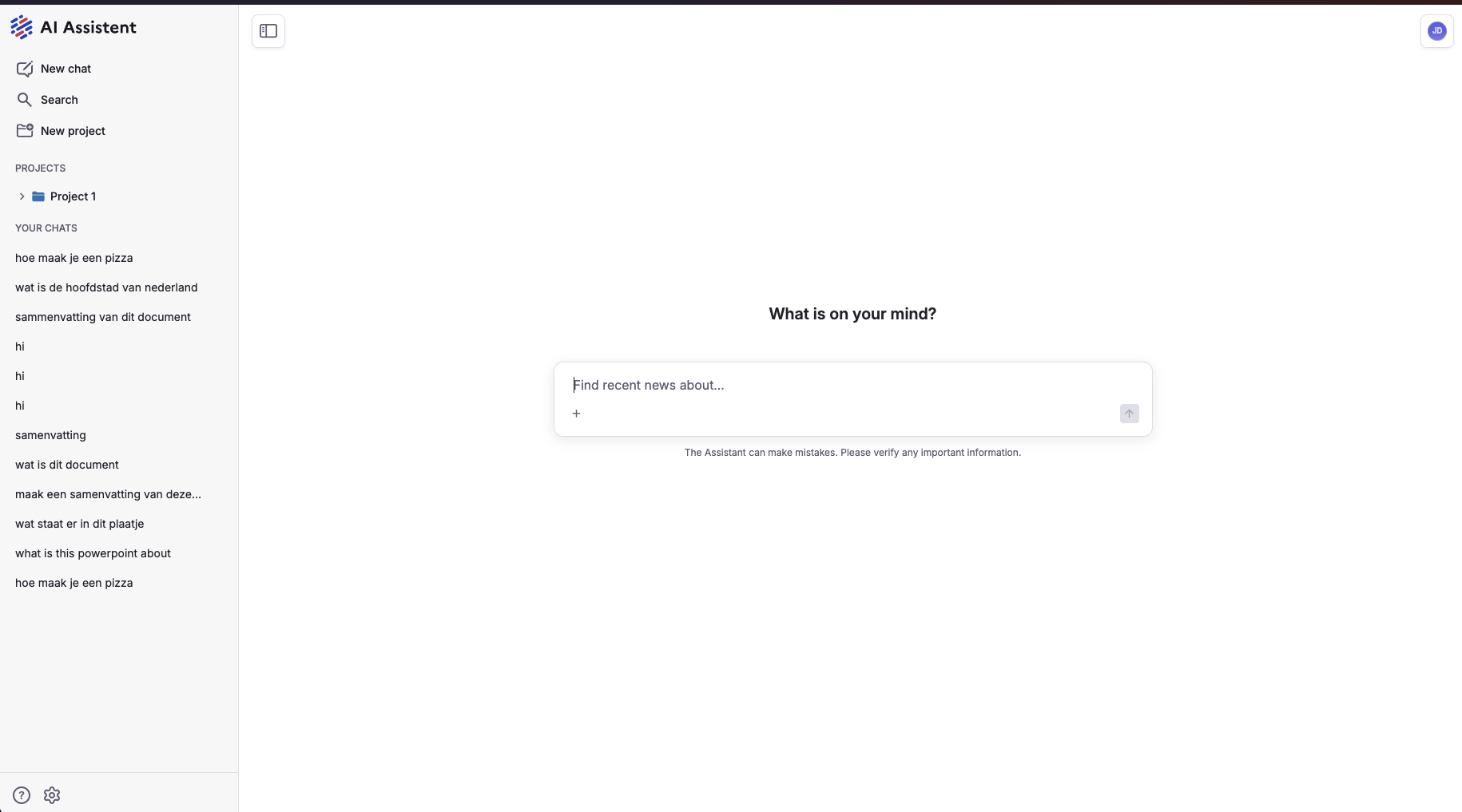
Starting a conversation
- Click New conversation.
- Describe what you need, in normal language: "Summarise these meeting notes into decisions and action points".
- Add context: paste text, or attach a document when the assistant accepts files.
- Read the answer and iterate — "shorter", "more formal", "in Dutch", "add a table".
- Save or copy the result into Docs, Mail or Projects.
Conversations are kept in the sidebar so you can come back to them; start a new one when the subject changes, because a long unrelated history confuses the model.
What it is good at
| Task | Example prompt |
|---|---|
| Summarising | "Summarise this report in five bullets for a manager" |
| Rewriting | "Rewrite this e-mail in a neutral, concise tone" |
| Drafting | "Draft an agenda for a 30-minute project kick-off" |
| Explaining | "Explain this error message to a non-technical colleague" |
| Translating | "Translate to English, keep the formal tone" |
| Structuring | "Turn these notes into a table with owner, action and deadline" |
| Brainstorming | "Give me ten names for an internal newsletter" |
What it is not good at
- Facts about your organisation. It does not know your files, mail or calendar unless you paste the content.
- Arithmetic and numbers from a document. Let it reformat, but check totals yourself.
- Legal, medical or personnel decisions. Use it to draft, not to decide.
- Anything it cannot verify. It writes confident prose even when it is wrong. Treat output as a first draft.
Prompting that works
- Give the role and the audience: "You are writing for new employees".
- Give the shape: "three paragraphs", "a table with two columns", "maximum 150 words".
- Show an example of the style you want when it matters.
- Ask it to ask you questions when a task is vague — the result improves immediately.
- Iterate instead of writing one giant prompt: short instructions, then refine.
Working with confidential information
The assistant receives everything you paste or attach. Before you do:
- Check with your administrator whether the configured model is internal or external.
- Remove personal data that is not needed for the task (names, citizen service numbers, medical details).
- Do not paste credentials, keys or whole mail threads with personal data.
- Remember that a "new conversation" does not necessarily delete the old one.
Good to know
- The assistant is not a search engine over MijnBureau. For that, use the global search on the Bureaublad — see Search.
- Generated text is not automatically checked; you remain the author, including when the content ends up in a contract or a customer e-mail.
- Very long inputs are truncated by the model; split long documents into sections.
- If answers become slow or generic, start a fresh conversation.
Related
- Docs — where to keep the results
- Dictaphone — transcripts you can feed into the assistant
- Meet — AI meeting summaries
- AI services — models, OCR and transcription configuration
- Component documentation — how the assistant is deployed